Your IP changed at 3 a.m.
Nothing failed loudly.
You find out from the outside, hours later.
This one checked at 3:04.
Updated the A record. Wrote it in the log.
Dynamic DNS that reports back.
Free. Native. No account. 26 providers, IPv4 and IPv6.
Mac · iPhone · iPad
Dynamic DNS that reports back.
Your records follow your IP. Native for Mac, iPhone and iPad. Free, no account, credentials in the keychain.
Supported providers
Find your provider.
26 services by name. Anything else that speaks DynDNS2 works through a custom URL.
Showing all 10
- Afraid.org FreeDNS
- ChangeIP
- Cloudflare
- DDNSS.de
- deSEC
- DHIS
- DNS-O-Matic
- DNSExit
- DtDNS
- DuckDNS
- DuiaDNS
- Dyn
- Dynu
- Dynv6
- EasyDNS
- FreemyIP
- Google Domains
- Loopia
- Namecheap
- No-IP
- OVH
- Sitelutions
- SPDyn
- Strato
- Tunnelbroker
- ZoneEdit
Not on the list
Custom DynDNS
Point it at any service that speaks the DynDNS2 protocol by giving it the update URL yourself. That covers most of what is not named above, including small and regional providers.
IPv4 and IPv6 on every provider that supports both. A records and AAAA records, updated together.
What happens when your IP changes
What happens when your IP changes
-
It checks
On your schedule, and again when the network changes. In the background, whether a window is open or not.
-
It updates
A and AAAA records, at every provider you have set up, and only when the address actually moved.
-
It tells you
Every change lands in the update history with a timestamp. You can see what happened at 3:04 without guessing.
- Checked public IP
- Updated A record
- Updated · 203.0.113.42 · Just now
That is the whole loop. It runs without you.
Before you hand over a token
Try it in demo mode first.
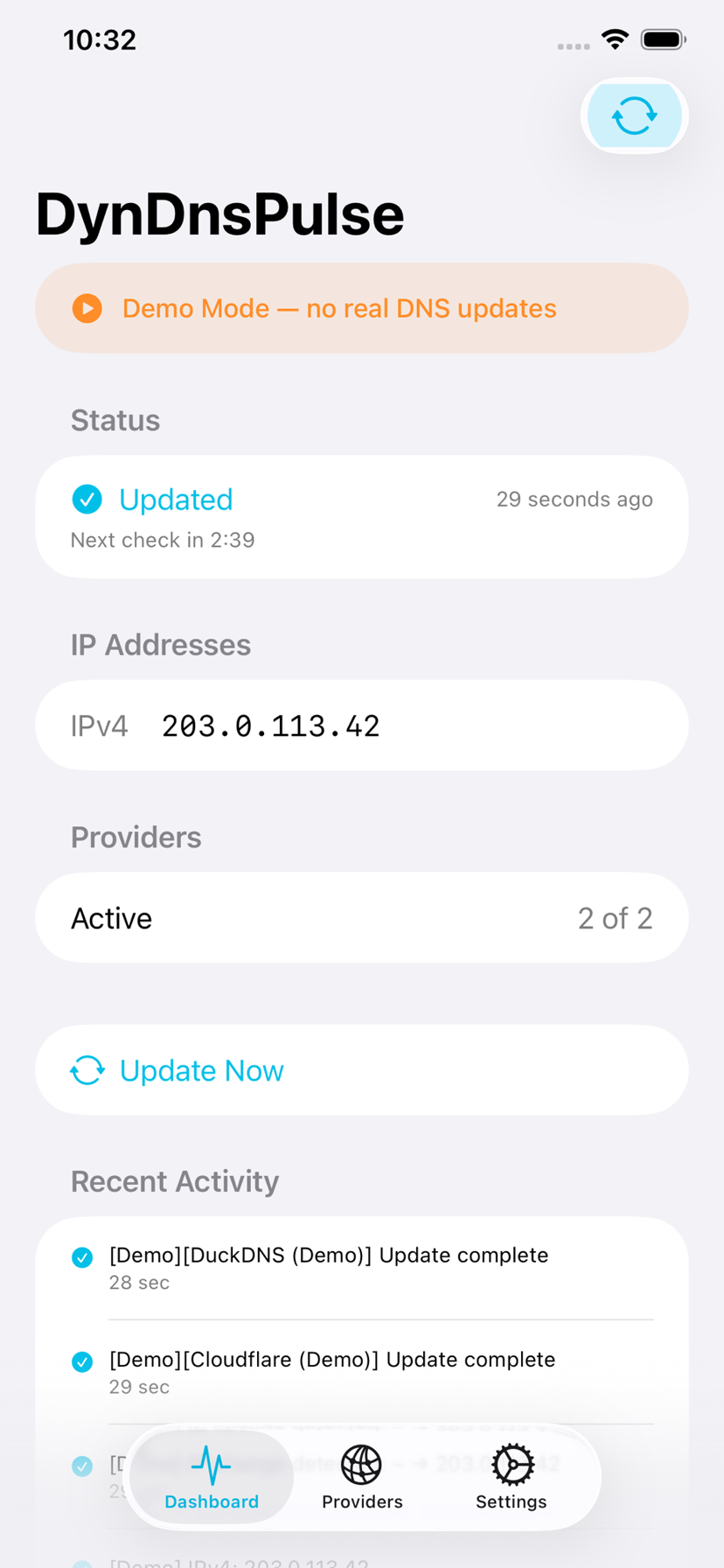
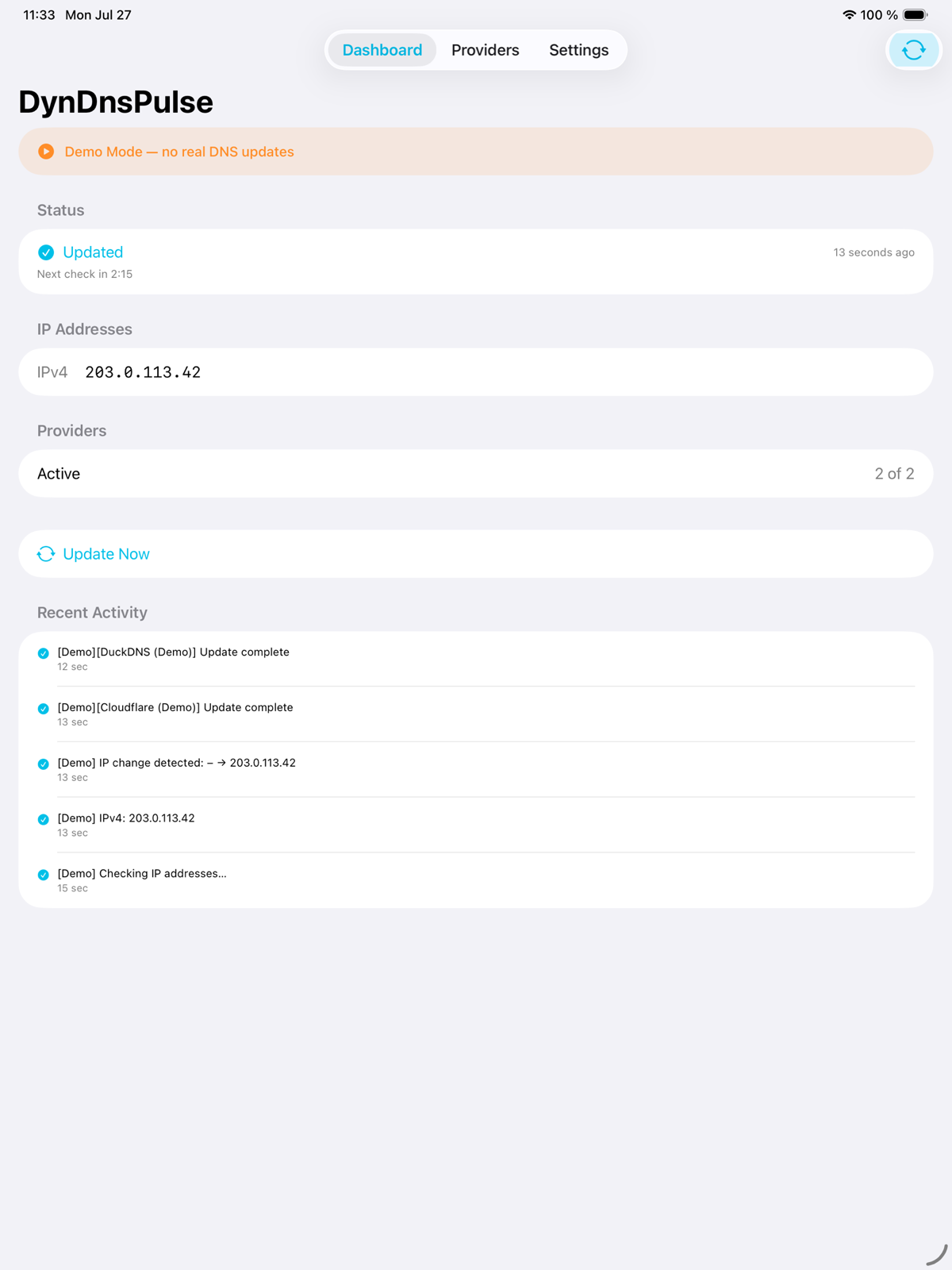
Demo mode runs the whole loop with sample providers and sample addresses, and it updates nothing. You can see how a check looks, what the log writes, and where a token would go, before you create one.
One app, every device
In the menu bar. In your pocket.
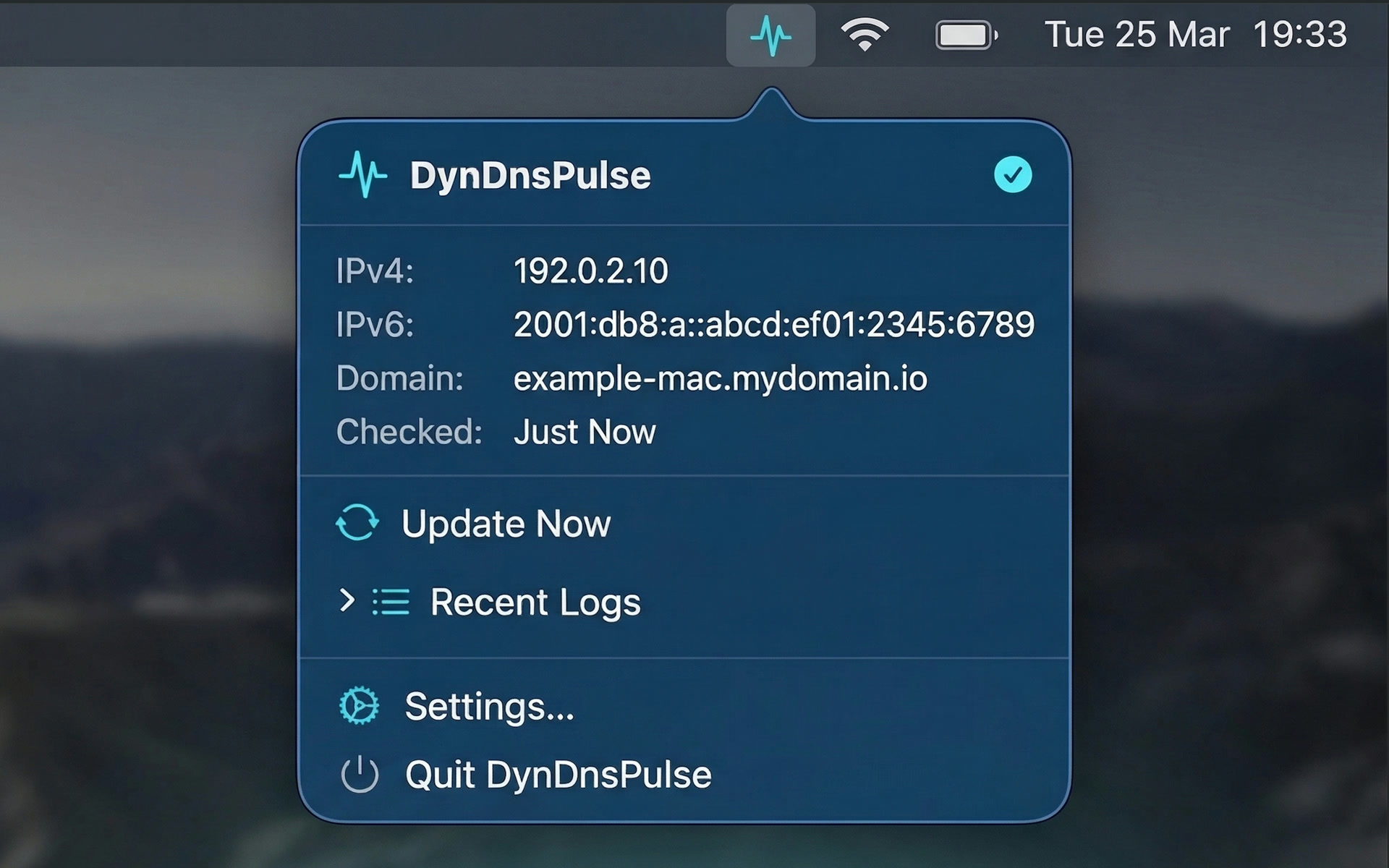
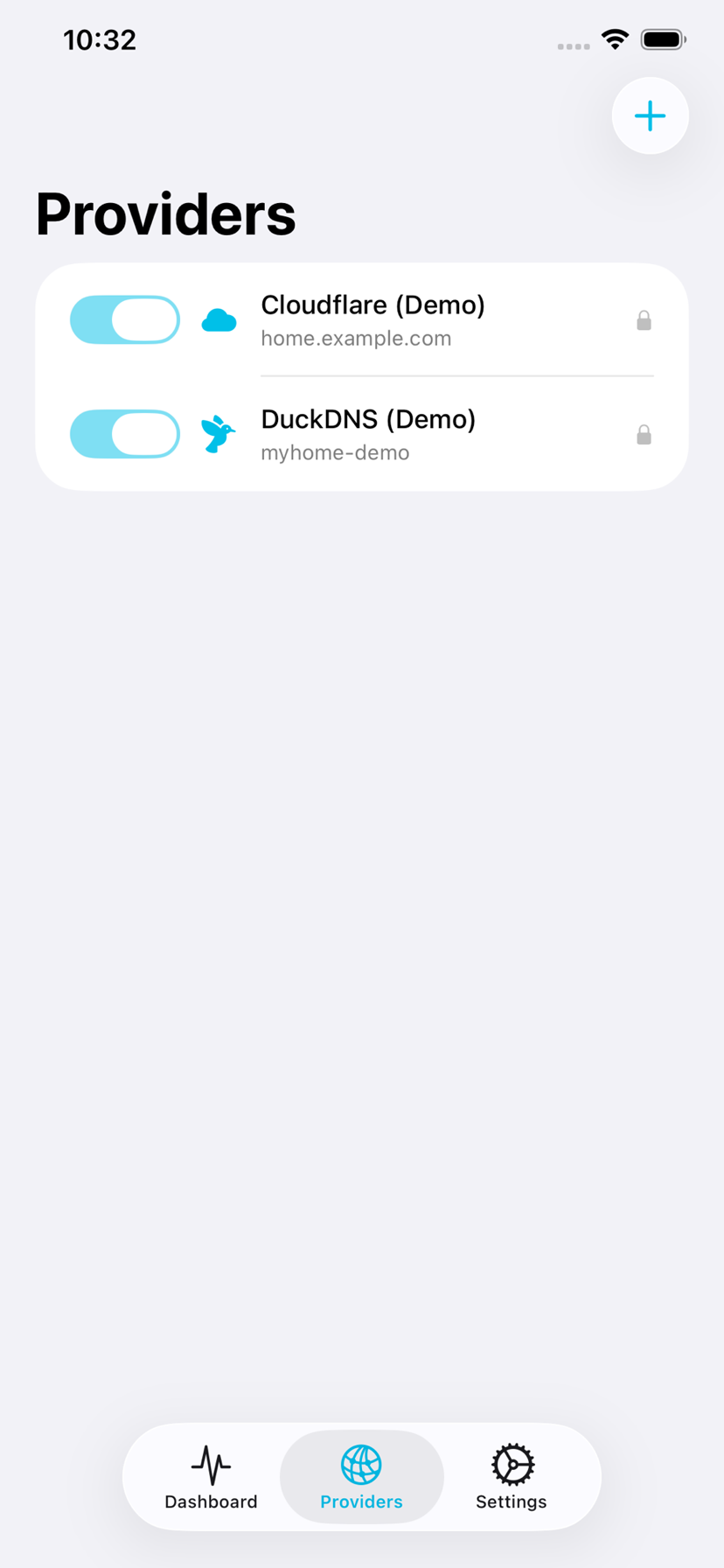
On the Mac it sits in the menu bar and stays out of the way. On iPhone and iPad it is a full app, not a remote control. Download it once and it is yours on all of them.
Where your token lives
Your API token never leaves the device.
A dynamic DNS token can edit your zone. That is worth being careful about. So: no account to create, no cloud to sync through, no analytics, no tracking, no server of ours in the path. Credentials go into the system keychain and stay there.
Since 1.2.0 you can export your setup and carry it to another machine. Credentials in the export are optional, and when you include them they are encrypted with a passphrase you choose, using AES-GCM. Read the privacy policy
Questions people actually ask
The details, plainly.
Does it support deSEC?
Yes. deSEC is one of the 26 named services, along with Cloudflare, No-IP, DuckDNS, Dynu, Namecheap, Strato, OVH, deSEC, Dynv6 and the rest. The full list is above, and it is searchable.
Does it keep running when the app is closed?
Yes. Checks continue in the background. On the Mac it lives in the menu bar, so there is no window to leave open.
Where are my API tokens stored?
In the system keychain, on the device. They are not copied to a server, not synced, and not sent anywhere except to the provider you are updating.
Can I look around before I create a token?
Yes. Demo mode runs the full loop with sample providers and updates nothing, so you can see what a check and a log entry look like first.
Why not just a cron script?
A script works until it does not, and then it says nothing. That is the common way to lose a dynamic DNS record: the update stopped weeks ago and you find out when you cannot reach your own server. This checks, updates, and keeps a log you can read.
Does it do IPv6?
Yes. A records and AAAA records, updated together, on every provider that supports both.
Does it handle Cloudflare's proxy setting?
Yes, per provider. You can leave the proxy as it is set in Cloudflare, force it off, or force it on. This matters: with the proxy on, a lookup returns a Cloudflare address instead of your machine, which is what you want for a site hosted at home and not what you want for a firewall allowlist, a VPN peer or an SSH rule.
What if my provider is not in the list?
Use Custom DynDNS. You give the app the update URL, and it works with any service that speaks the DynDNS2 protocol. If yours needs something else, open an issue and say which one.
Is it free?
Yes. No price, no subscription, no licence to renew. One download covers Mac, iPhone and iPad.
Can I move my setup to another Mac?
Yes, since 1.2.0. Export the configuration, carry the file over, import it. Credentials are optional in the export and encrypted with your own passphrase when you include them.
Point a name at your home and stop thinking about it.
Free on the App Store. Mac, iPhone and iPad.

Something not working, or a provider missing? Report an issue on GitHub